Cloud Technology for Construction Projects
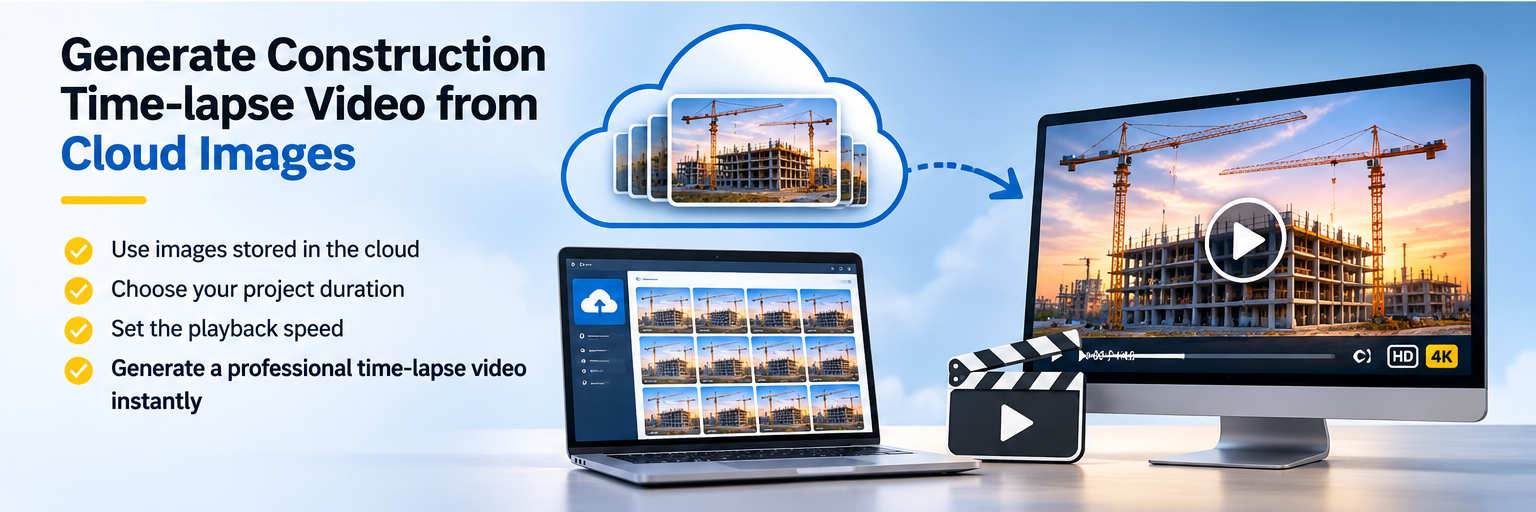
Create construction progress timelapse videos directly from your cloud-stored camera images. Select a project date range and daily time window to build focused progress videos online.
Discuss Your Project01 / Overview
Construction projects often need short progress videos for stakeholder meetings, project reviews and internal reporting. Instead of requesting a new edited video for every update, authorized clients can use our online timelapse video generator to create videos from images already captured and stored in the cloud.
Select the relevant dates and daily capture times, then generate a timelapse that focuses on the period you want to review. Available output options depend on the configured cloud platform and camera image collection.
This self-service approach helps developers, consultants and contractors communicate visible construction progress in Dubai and across the UAE.
02 / How It Works
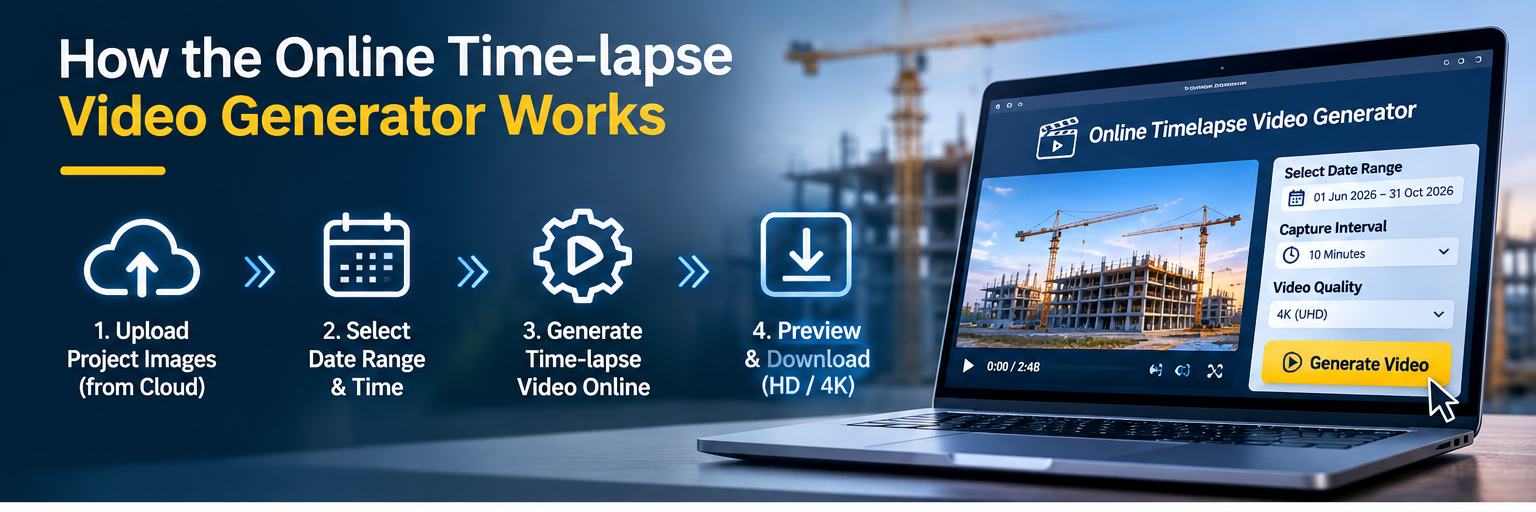
The generator uses photographs uploaded by your project cameras. Choose the period and time-of-day settings that suit your review, then submit the video generation request through the online platform.
Choose the project start and end dates for the progress video.
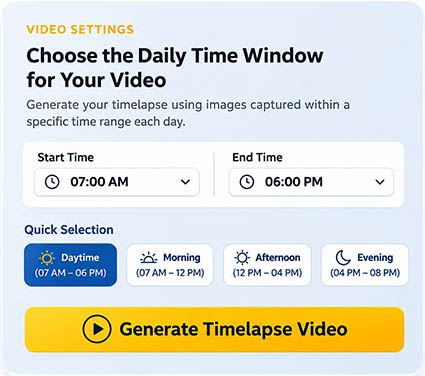
Choose a specific time, such as 10:00 AM, or a daily window such as 10:00 AM–12:00 PM.
Build a timelapse from matching cloud-stored images for review or sharing.
Video availability and processing depend on captured images, network uploads and platform settings.
03 / Date Selection
Different reports need different periods of construction history. You may want a video covering a single week, the last month, a particular construction milestone or the full period available in the project archive.
Date-range selection makes it easier to prepare a focused visual summary without manually sorting thousands of photographs. For projects with multiple phases, generate separate videos for excavation, structure, façade or fit-out work using the images available for each period.
04 / Time Filters
Construction sites change throughout the day. The online generator can filter photographs by the daily capture time, helping you create videos that emphasize comparable daylight conditions or specific working periods.
Example: Select 10:00 AM for one photograph per available day at that time, or select 10:00 AM–12:00 PM to include photographs captured during that daily window.
Actual results depend on the camera's capture interval and the images successfully uploaded to the cloud. Time filters are especially useful when you want a consistent view of progress over many weeks or months.
05 / Practical Benefits
Generate visual updates for internal project meetings without manually searching through image folders.
Choose a short milestone, monthly period or longer project history as needed.
Use the cloud platform to request videos from available project images without visiting the camera location.
For an organized image archive, see our Cloud Storage & Online Image Viewing solution. For professionally edited final films, explore our construction progress video production services.
06 / Applications
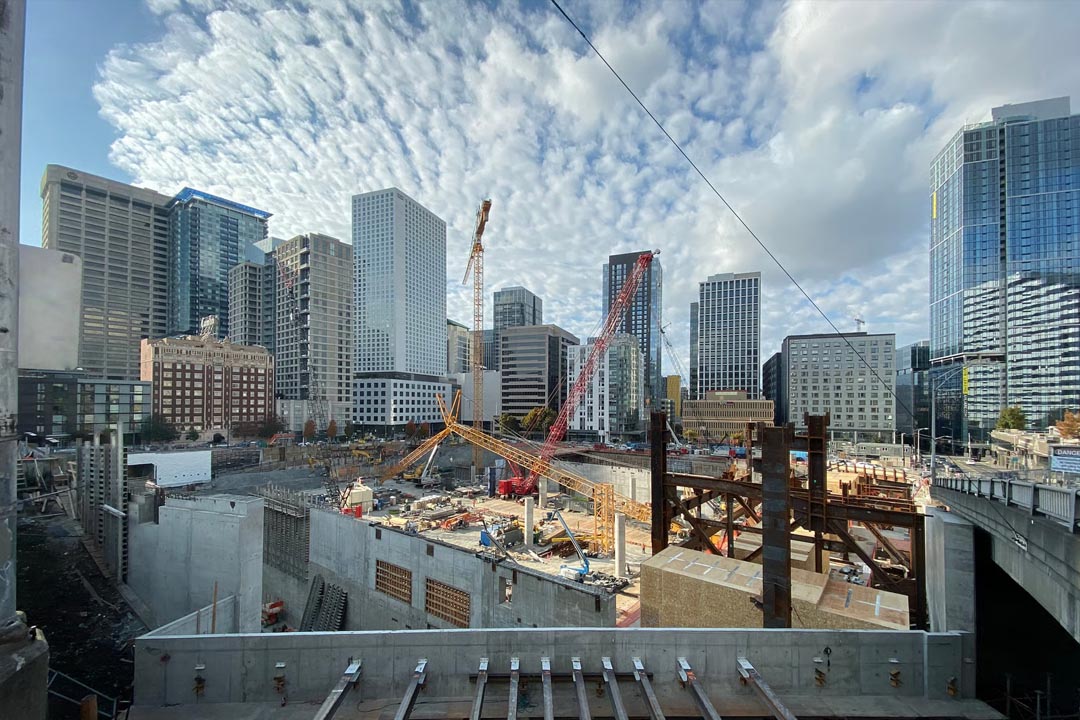
Online video generation supports high-rise buildings, residential developments, infrastructure, industrial projects and interior fit-out works. It gives project teams a convenient way to compare visible site activity across selected dates and communicate progress to clients and consultants.
Generated videos complement site reports, inspections and professionally produced project films. They provide a practical visual record based on the images available from each connected timelapse camera.
Frequently Asked Questions
Yes. Authorized clients can use the online generator to create videos from cloud-stored timelapse images without manually assembling photographs in desktop editing software.
Yes. Choose a date range covered by the photographs available in your project archive.
Yes. You can select a specific daily time or a time window, subject to the images captured and available in the cloud.
Yes. Use different date ranges to create progress videos for individual project phases or reporting periods.
Not necessarily. Available images depend on the configured capture schedule, camera operation and successful uploads.
No. The online generator is ideal for routine self-service updates, while professionally edited videos can provide additional storytelling, branding and presentation value.
Get Started
Talk to our team about cloud-connected construction timelapse cameras, image archiving and flexible self-service video generation for your UAE project.
Request a Consultation